
Bring Science to Life at Home with Mixed Reality
Start Smart: Space, Safety, and Essential Gear
Choosing the Right Headset and Devices
Look for crisp passthrough, dependable hand tracking, and comfortable weight distribution, especially during longer sessions. Popular choices include devices with color passthrough and robust spatial mapping, complemented by controllers or hand tracking as needed. Consider prescription inserts, hygiene covers, and adjustable straps for shared use. A laptop or desktop with a compatible GPU expands possibilities, while accessories like tripods, stands, and charging docks keep everything reachable, organized, and ready for spontaneous investigations.
Preparing the Room
Clear fragile objects, define a safe play area, and check lighting for even, glare-free conditions that benefit computer vision. If you have pets or small children, create visual boundaries and announce sessions so everyone understands the plan. Choose non-reflective surfaces when possible, and store physical props—like rulers, tape, markers, and labels—in a dedicated bin. A sturdy coffee table can become your staging platform for small sensors, notebooks, and sanitized controllers during quick experiment switches.
Safety First
Treat simulations with the same seriousness you would a laboratory. Use protective eyewear when mixing MR with physical props, and never substitute virtual chemicals for real materials without proper protocols. Schedule break reminders to prevent eye strain, and build seated alternatives to reduce fatigue. Keep pathways unobstructed, label charging cables, and secure rugs or mats. If children participate, supervise closely, discuss safety expectations, and use content filters to ensure age-appropriate, supportive exploration every time.
Tools That Power Your Experiments
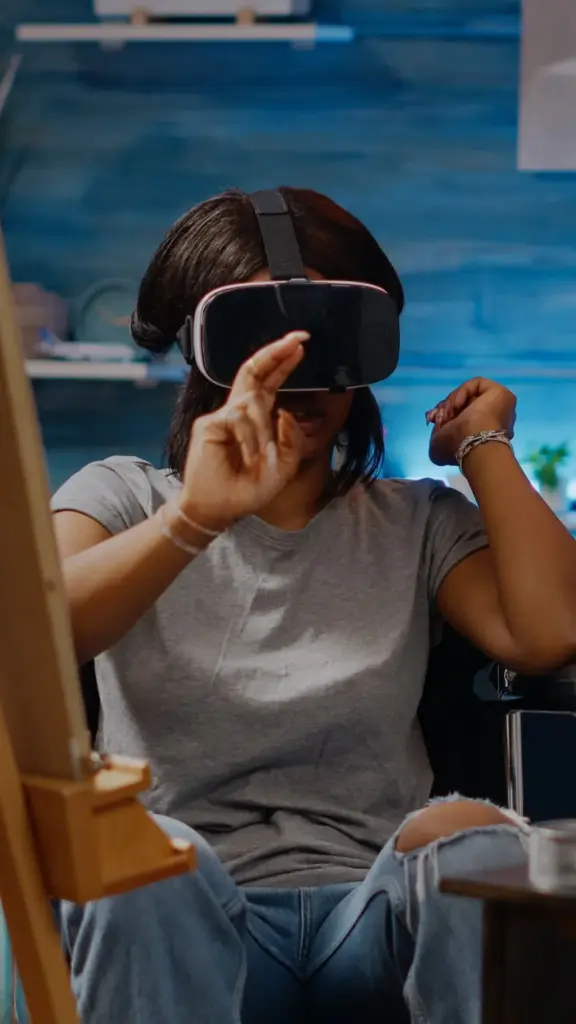
Choosing Apps and Content
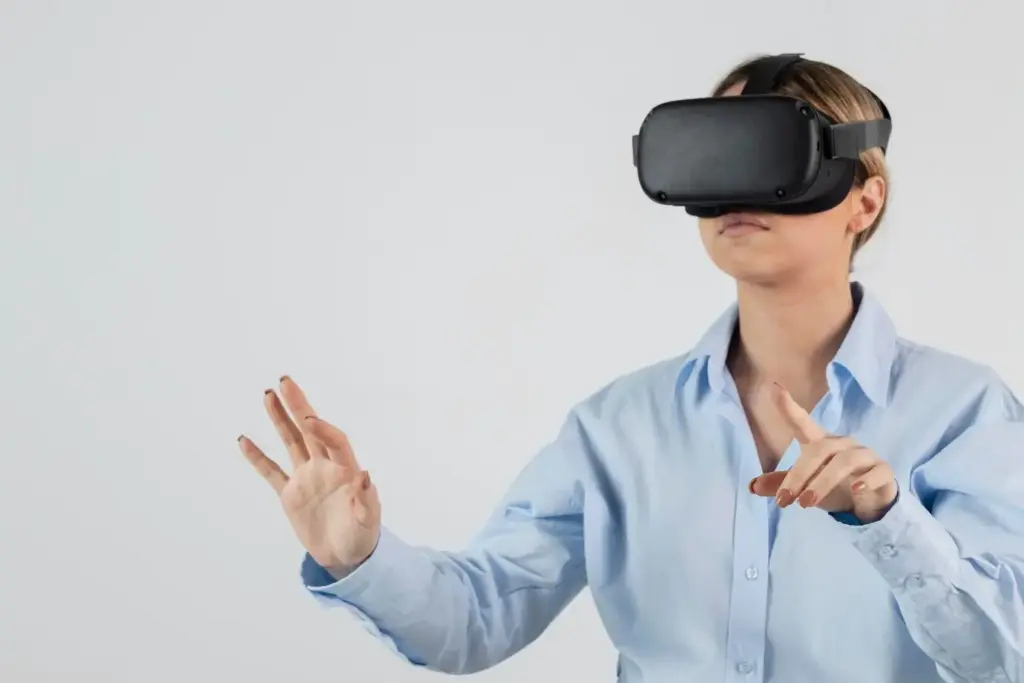
No-Code to Pro Workflows
From Curiosity to Repeatable MR Experiments
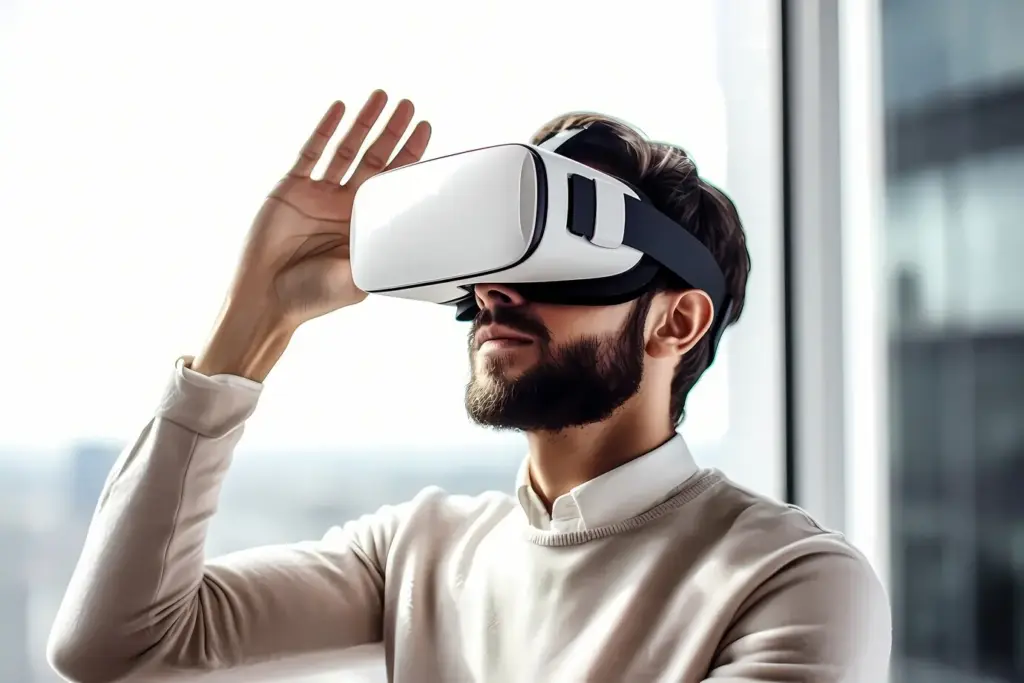
Physics at Your Coffee Table
Model projectile motion, circuits, and vector fields directly over your furniture, layering trajectories, force arrows, and voltage overlays that respond as you tweak parameters. Validate intuition by comparing simulated predictions with quick, safe physical tests—like rolling marbles, stretching rubber bands, or measuring angles. Emphasize unit conversions, uncertainty estimates, and methodical logging. These small yet rigorous practices reveal beautiful patterns, making mathematics visible and encouraging deeper questions that sustain investigation beyond the initial spectacle.
Chemistry Without Spills
Model projectile motion, circuits, and vector fields directly over your furniture, layering trajectories, force arrows, and voltage overlays that respond as you tweak parameters. Validate intuition by comparing simulated predictions with quick, safe physical tests—like rolling marbles, stretching rubber bands, or measuring angles. Emphasize unit conversions, uncertainty estimates, and methodical logging. These small yet rigorous practices reveal beautiful patterns, making mathematics visible and encouraging deeper questions that sustain investigation beyond the initial spectacle.
Biology in Layers
Model projectile motion, circuits, and vector fields directly over your furniture, layering trajectories, force arrows, and voltage overlays that respond as you tweak parameters. Validate intuition by comparing simulated predictions with quick, safe physical tests—like rolling marbles, stretching rubber bands, or measuring angles. Emphasize unit conversions, uncertainty estimates, and methodical logging. These small yet rigorous practices reveal beautiful patterns, making mathematics visible and encouraging deeper questions that sustain investigation beyond the initial spectacle.
Make It Touchable: Interactions, Haptics, and Feedback
Gestures That Feel Natural
Choose a small, consistent set of gestures and stick with them. Pinch to select, drag to move, rotate with two hands, and use gaze or a ray for distant targets. Provide visual affordances and gentle snap-to behaviors to help alignment. Include undo, reset, and clear onboarding. Offer controller alternatives when hand tracking struggles in low light. These practices reduce frustration, prevent arm fatigue, and keep attention on the science rather than interface quirks or hidden rules.
Haptics and Multisensory Cues
Carefully orchestrate vibration, spatial audio, and visual highlights to communicate change, danger, or success. A soft pulse can indicate stable equilibrium; a stronger buzz can flag exceeding a limit. Pair subtle chimes with color changes for clarity. Avoid sensory overload by staggering effects and respecting quiet moments for reflection. If you add scents or props, label them clearly and disclose allergens. Thoughtful multisensory design adds texture, confidence, and gentle urgency without overshadowing the learning goals.
Accessibility and Inclusivity
Design for diverse bodies, abilities, and contexts. Provide adjustable text sizes, high-contrast color schemes, and descriptive audio. Include captions for spoken instructions, and offer voice commands where possible. Support seated play, left-handed interactions, and remappable inputs. Build gradual difficulty options and optional tutorials so learners can pace themselves. Solicit feedback from people with different needs, and iterate compassionately. Inclusive design not only widens participation but also improves clarity for everyone, elevating the entire experience.

Formative Feedback in Real Time
Overlay gentle hints when variables drift off target, or display confidence meters that reflect recent results. Provide alternative strategies when experiments stall, and offer explanations that highlight causal relationships rather than merely flagging errors. Encourage micro-reflections—thirty seconds to articulate what changed and why. This small cadence keeps minds active, reduces anxiety, and turns uncertainty into questions worth pursuing. Learners leave sessions feeling guided, not judged, and eager to iterate thoughtfully.
Collaborative Sessions
Invite friends, classmates, or family into shared spatial sessions anchored to the same room. Assign roles—investigator, note-taker, challenger—to distribute focus and accountability. Use synchronized controls and color-coded cursors so everyone understands who changed what and when. Keep latency low with solid networking, and conclude with a short debrief capturing insights, lingering confusions, and personal next steps. Collaboration fosters belonging and multiplies ideas, making discoveries feel both personal and collectively owned.
Keeping a Digital Lab Notebook
Store screenshots, short clips, voice notes, and parameter tables in a dated, searchable notebook. Tag entries by concept and difficulty, and link to source models or datasets. Summarize each session with a claim, evidence, and reasoning, then outline a follow-up plan. Sync across devices, and back up responsibly. The habit builds scientific thinking muscles, preserves hard-won understanding, and provides a satisfying record of progress that motivates continued exploration whenever curiosity strikes again.


Build a Culture Around Your Living-Room Lab

All Rights Reserved.